July 28, 2026 · 5 min read
A Cartoonist Workshops and fun transforms from 2D Sketches -> 3D AI Art - The Process
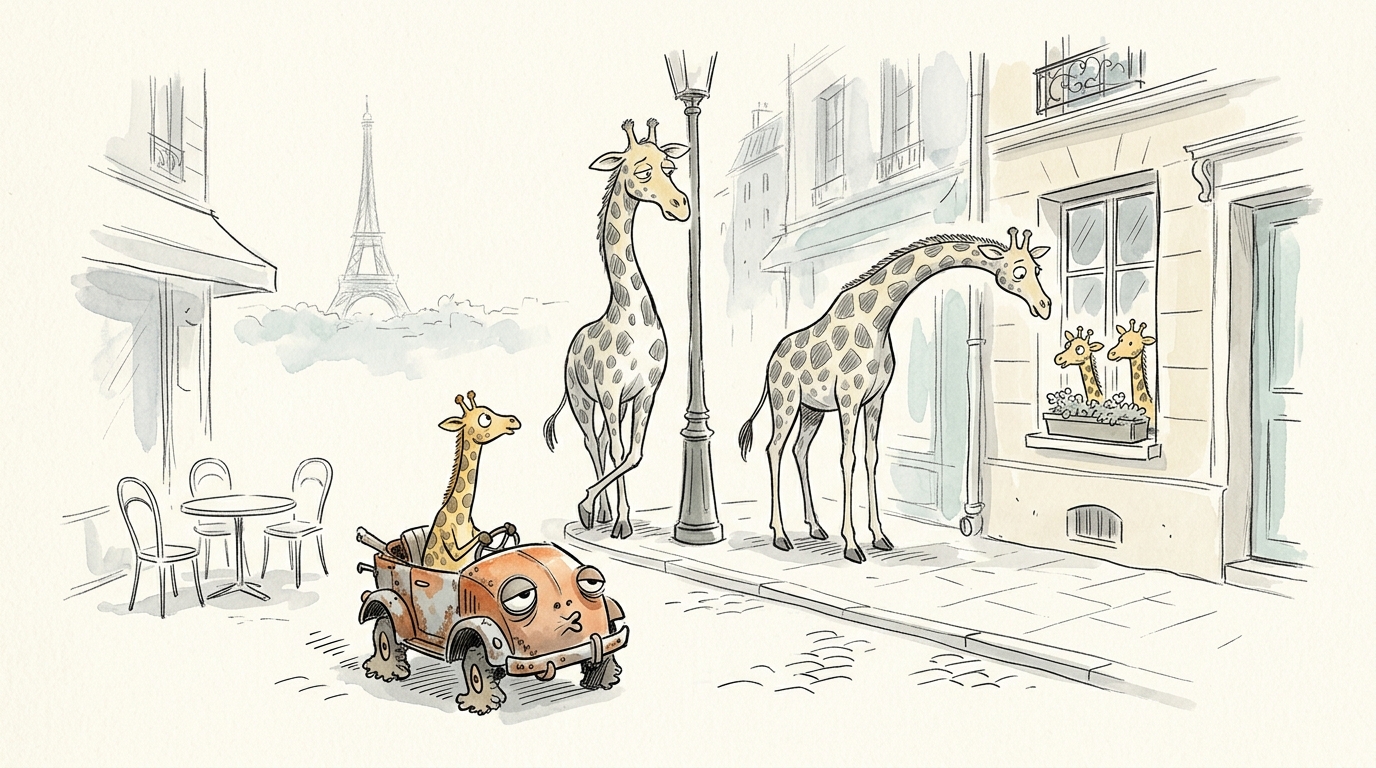
Yesterday, I attended a Cartoonist Workshop in New York.
Emily Flake, a cartoonist for among others the New Yorker, shared her experience and presence with cartoons, what makes cartoons strong and how to get into the creative mood and state to draw your own cartoons too.
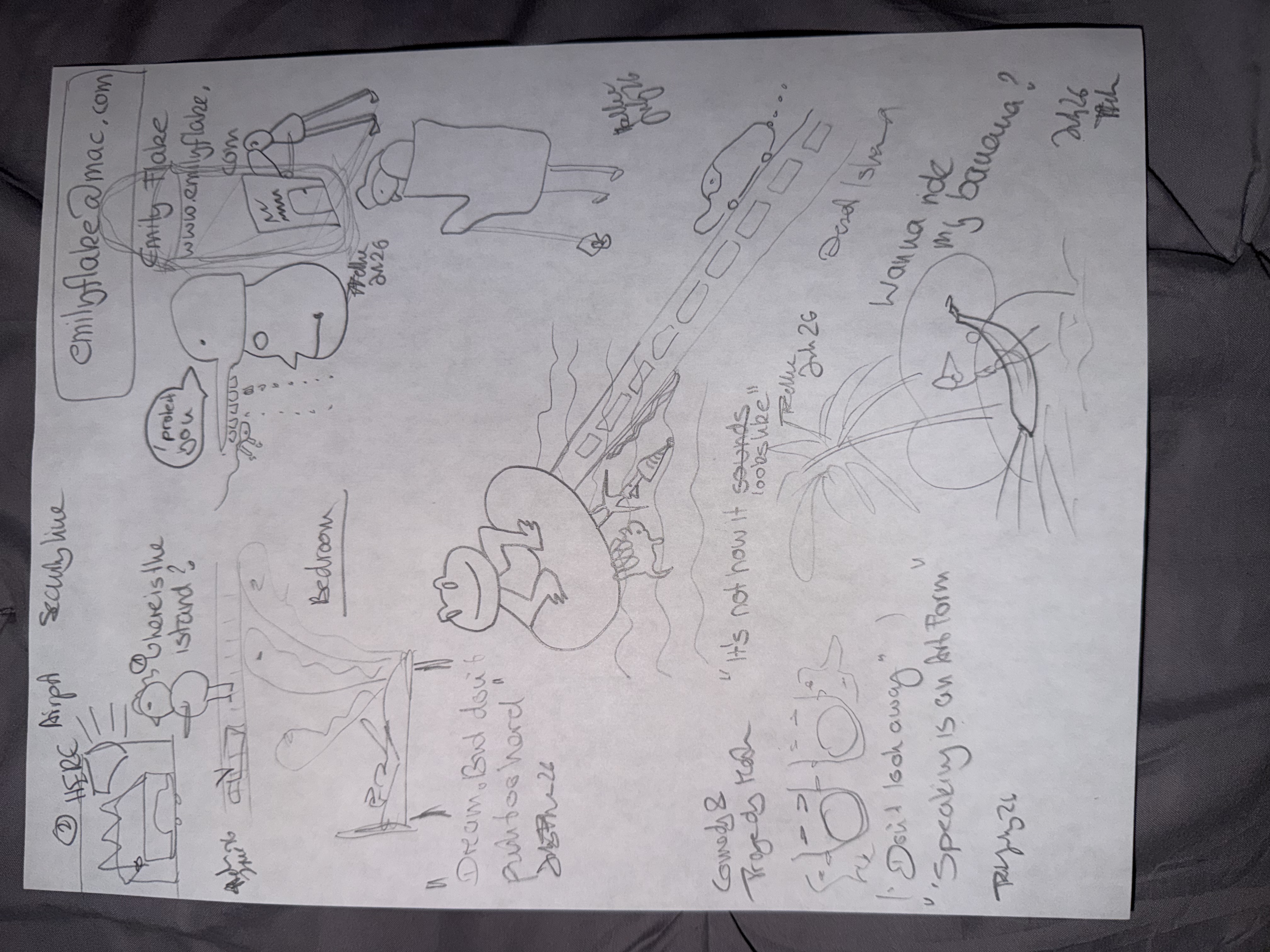
I drew several very badly sketched cartoons within her various time constraints and exercises.
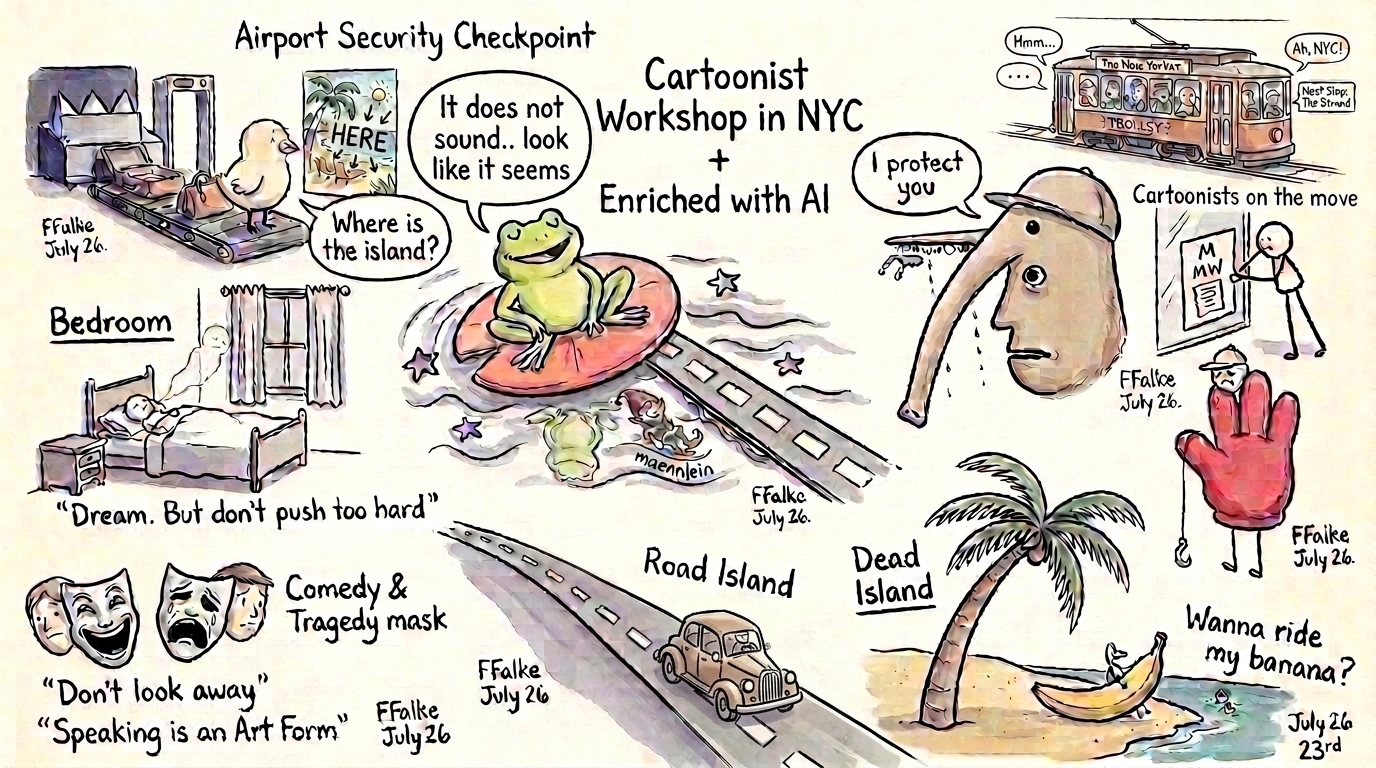
And while that was a fun experiment and got our creative juices going, I was even more curious of how to bring my sketches into AI Art and how that may look like.
The Giraffe Experiment
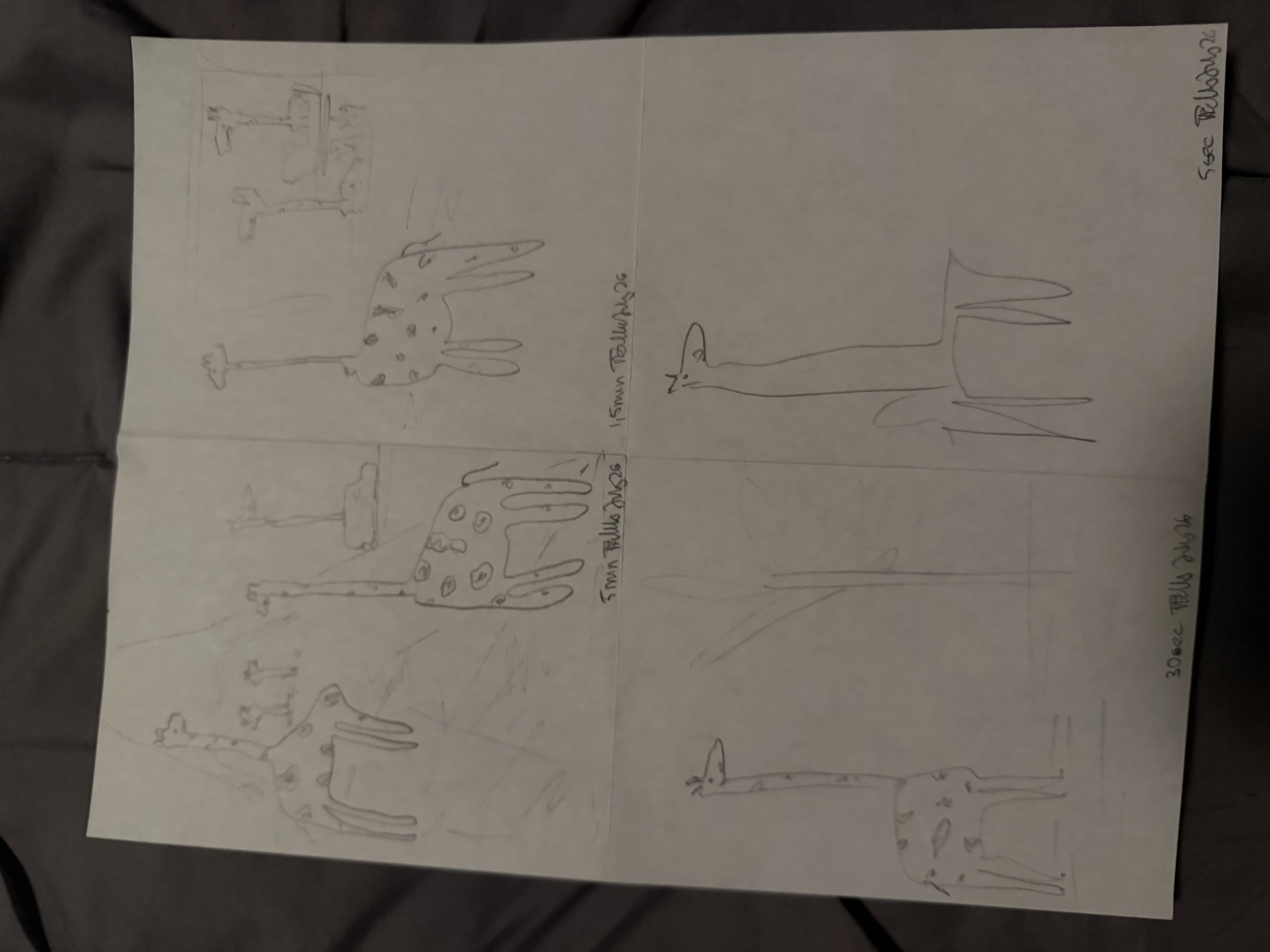
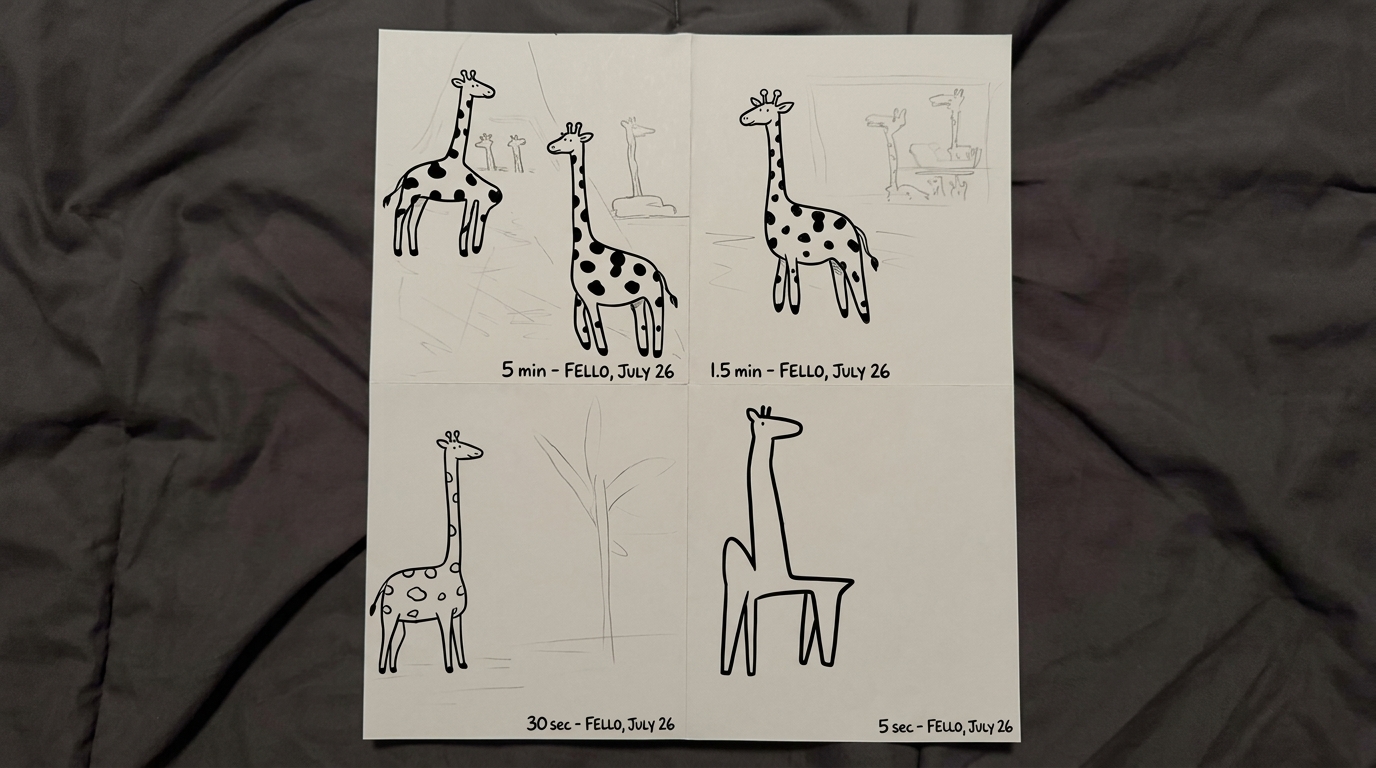
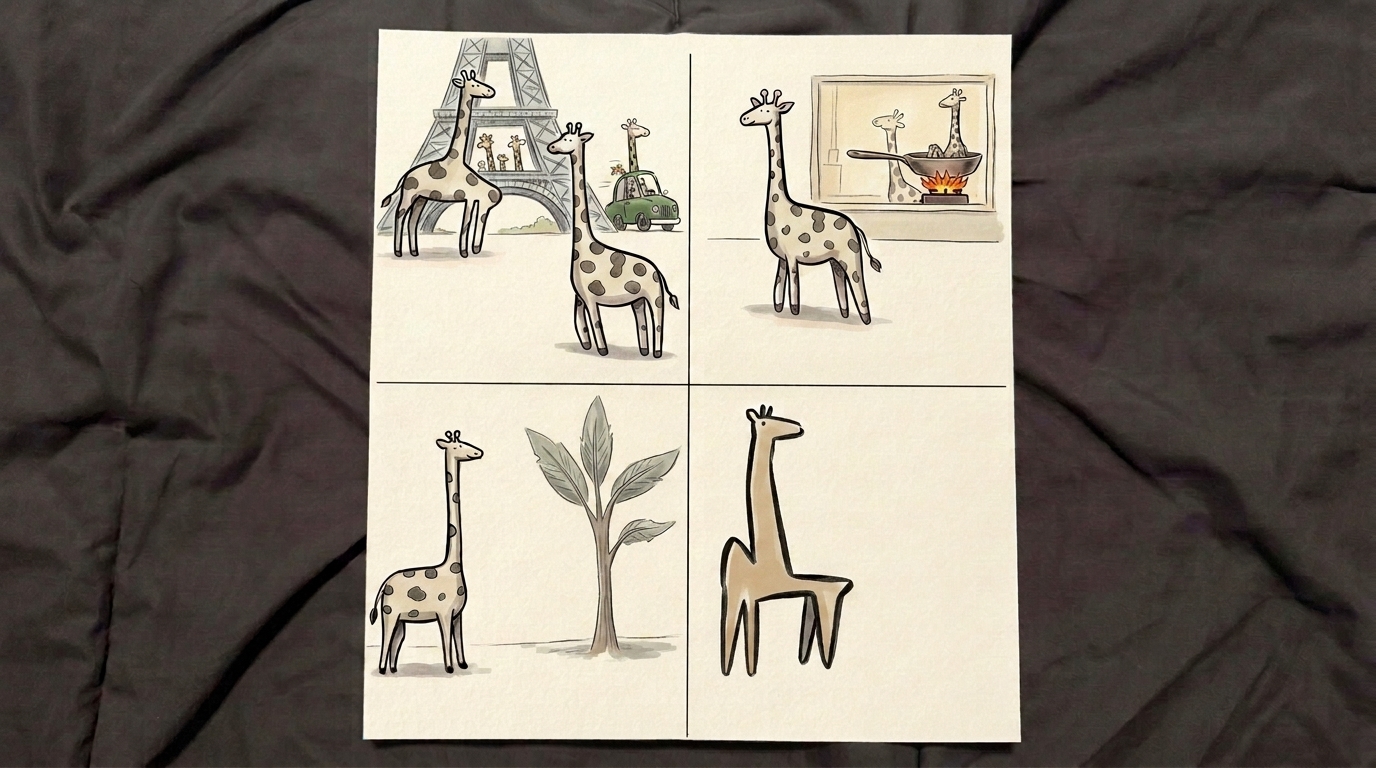
One of our last experiments was to draw a giraffe in 5 min, 1.5min, 30 seconds, and 5 seconds. And to see that we can do that. And time as a constraint can for real make a difference, but also showcase the powerof abstraction and the ability to see that not all need to be perfect from the start, or even more clear, that in imperfection there often is the most joy and amusement to be found and jokes to be created.
Here is what my hand-sketched giraffes looked like:
Round A: Using Claude Code to Turn them into AI
At first I thought I could turn the sketches into AI using Claude Code. It is especially good at describing images in AI and I often use it to create detailed descriptions of images that I want to create.
Said, done. I asked Claude to:
"Ok, for these drawings, can we do it that way, that I tell you what is on all of them, like all the small art forms and you write me AI image prompts for them and we work together on the design and coloring and style? Ideally 3D cartoonish like my characters, but maybe also different."
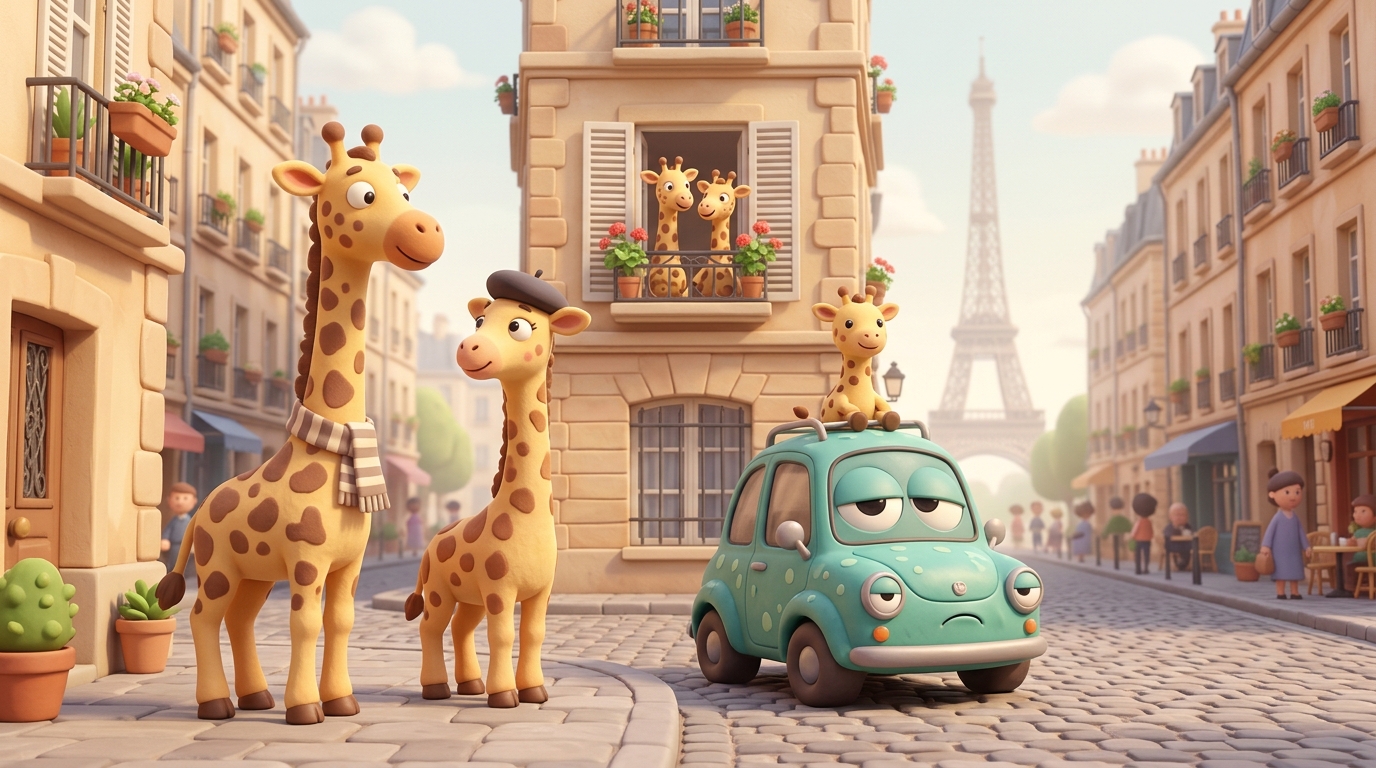
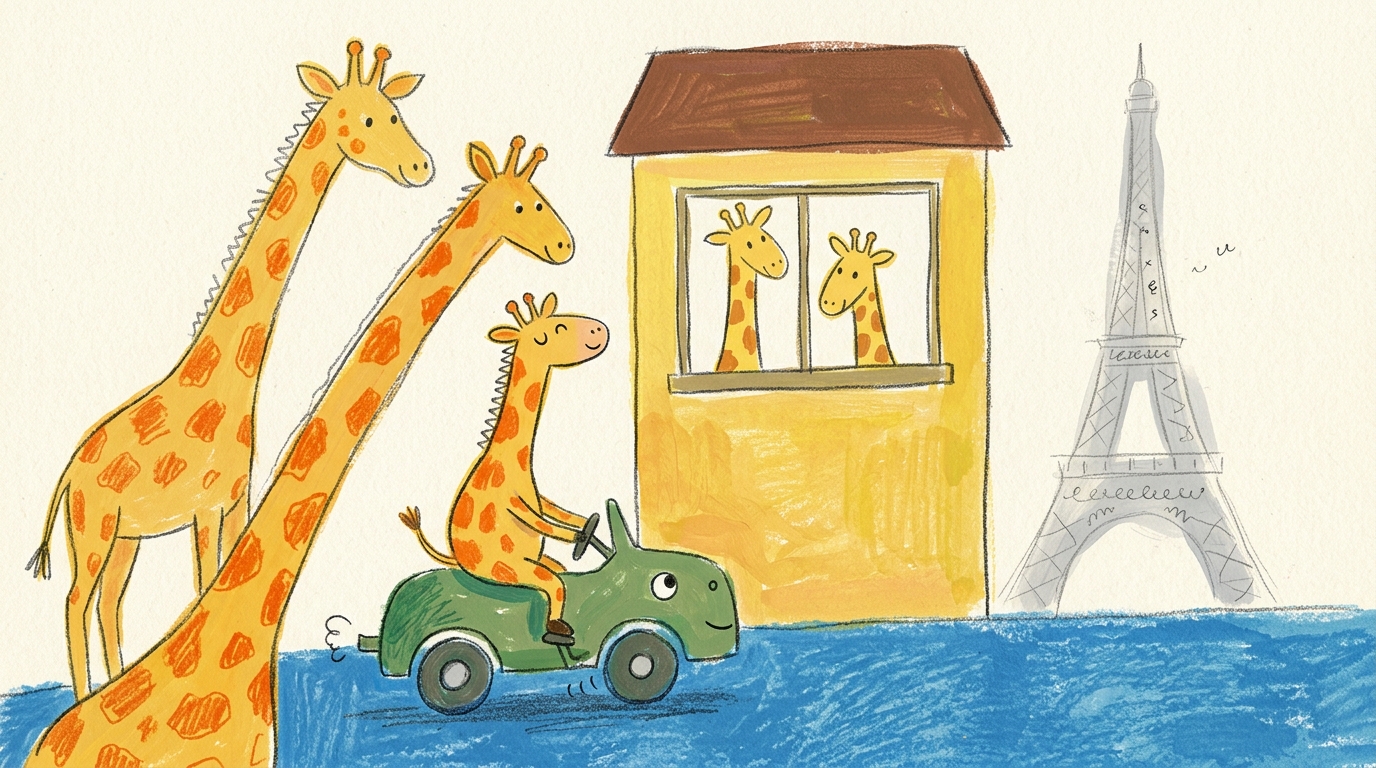
The results were clearly impressive as Claude was able to detect all the giraffes and wrote me great AI Image Prompts.
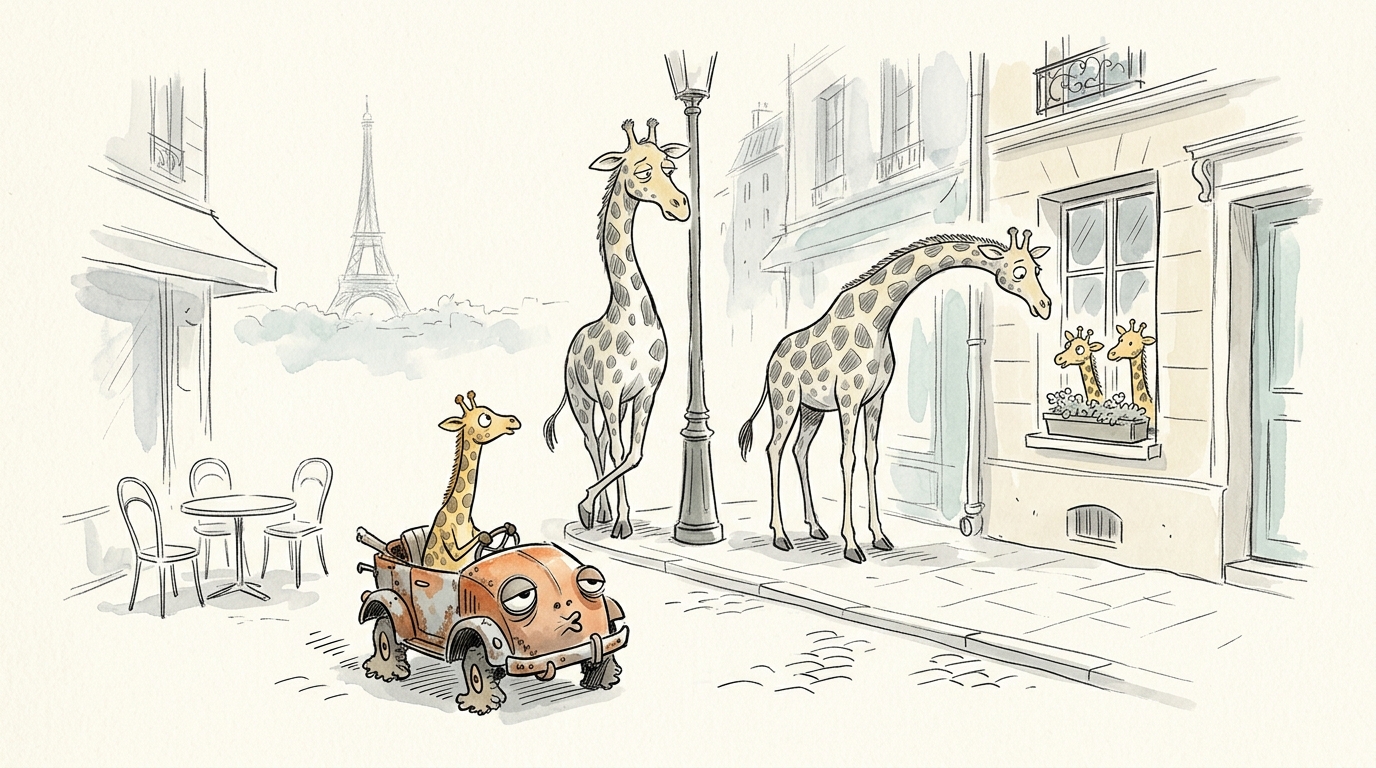
The problem though was that the images had amazing styles but were simply not close to my initial drawings:
Round 2: Using my own Google Whisk 2.0 Tool (Gemini 2.5 Flash)
I inputted my giraffe image into a self-built tool that I built as a follow-up when Google decided to shut down its Google Whisk tool.
The best feature that tool had was the ability to upload reference images and detect if they would be a subject, scene or style. And not only one but more. And then later refine the created images.
Plus it would always create two versions of the same image, allowing you to get some creative input and then choosing from the one that you liked most. Plus, as said, refine it later in various rounds.
AI was surprisingly fast in re-creating the tool for me and here you see it in action for our Round 2: Inputting the giraffes as subject and scene into the tool, using Gemini 2.5 Flash as the image model and using the AI image prompt:
Redraw that image in a New Yorker style 3D cartoon illustration style
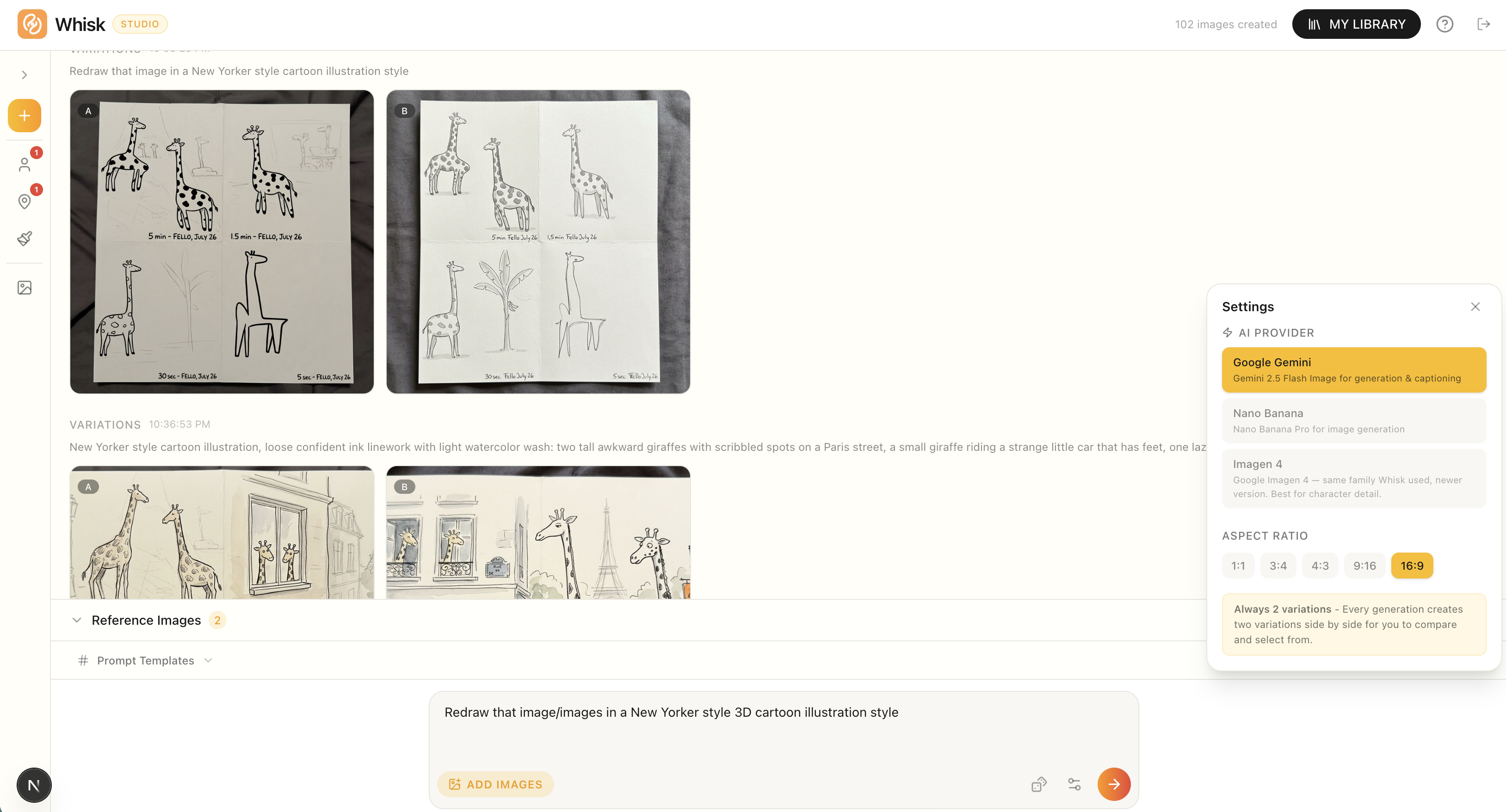
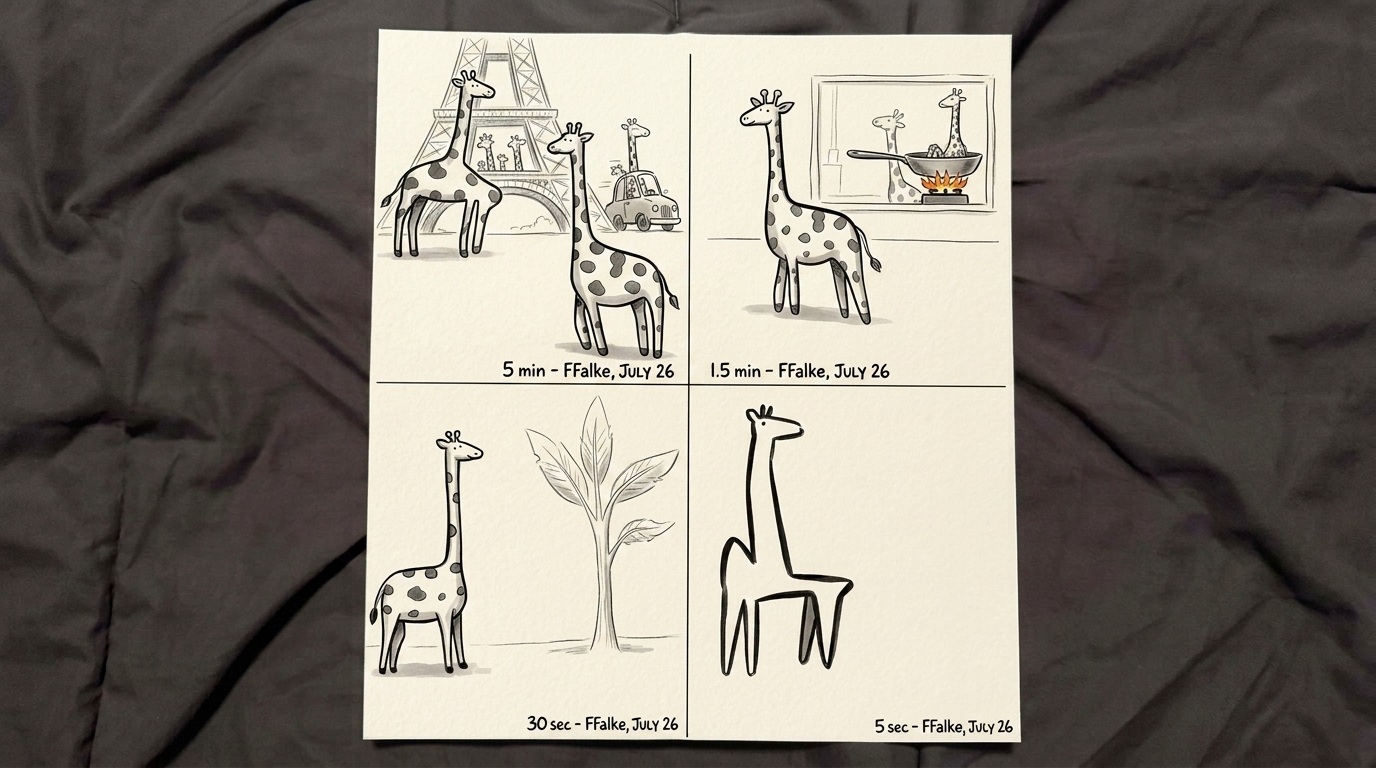
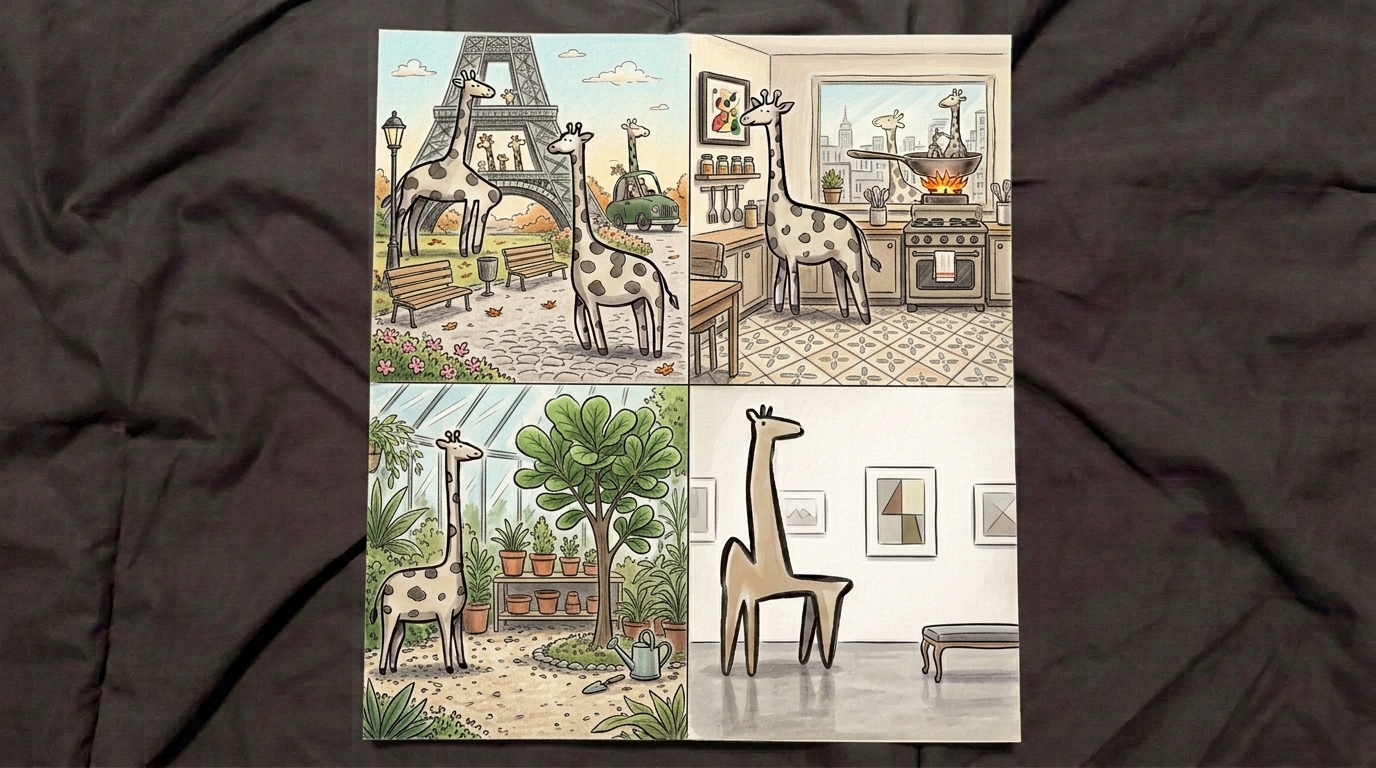
The result, as you can see in the tool gives you a much clearer copy of my initial giraffes - it kept the at times awkwardly wrong structure of the giraffes and allowed for a real improvement of the designs based on the hand-drawn sketches.
They reflected more the style and idea of the idea that when there is a punchline, a joke, an emotion to be seen in the image, then perfection kills more cats than imperfection. Because even without a joke there is already something interesting and new to explore for the human eye.
Feeding my giraffes into that tool (you can also achieve a similar effect when using Gemini directly, or for fun, use a different AI image model) allowed me then make changes of the giraffes' image and fine-tune the image iteratively further until I had some very unique and fun images at various stages of the process:
Round 3: Comparing Claude Code & Gemini Flash 2.5
Claude Code (+Gemini Flash 2.5) in that example did not improve the only-Gemini version of creating AI Art from a 2D sketch. But it was enough to only use Gemini and create quite some nice art out of very basic sketches.
And for sure that is something you can do with any kind of sketches and any kind of styles. Whatever comes to your mind.
The styles I used in the Claude Example where the following, in case you want to replicate them: '3D cartoon render of a whimsical scene', 'Stop-motion claymation diorama photo: a handmade plasticine scene', 'New Yorker style cartoon illustration, loose confident ink linework with light watercolor wash', and 'A naive hand-drawn pencil doodle'.
Play around with it
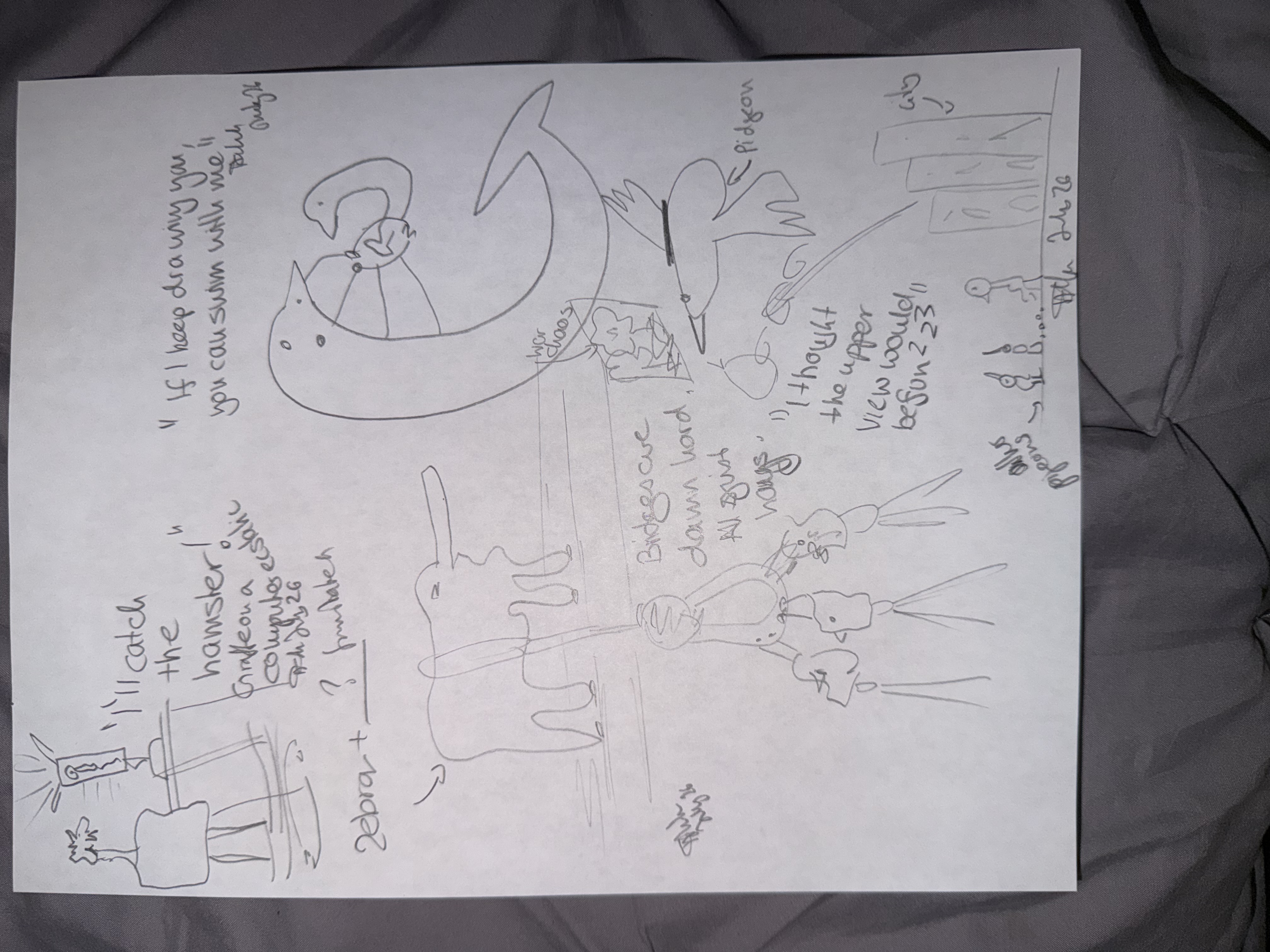
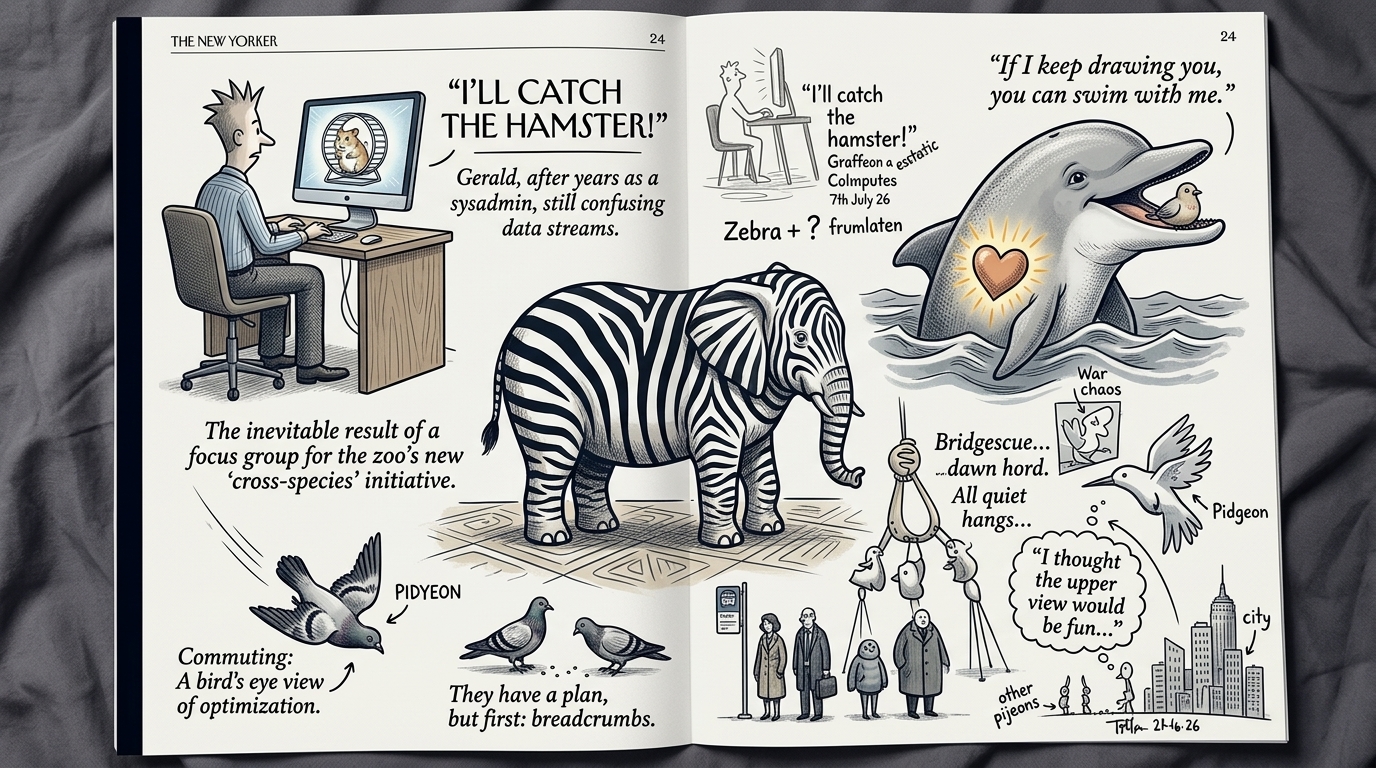
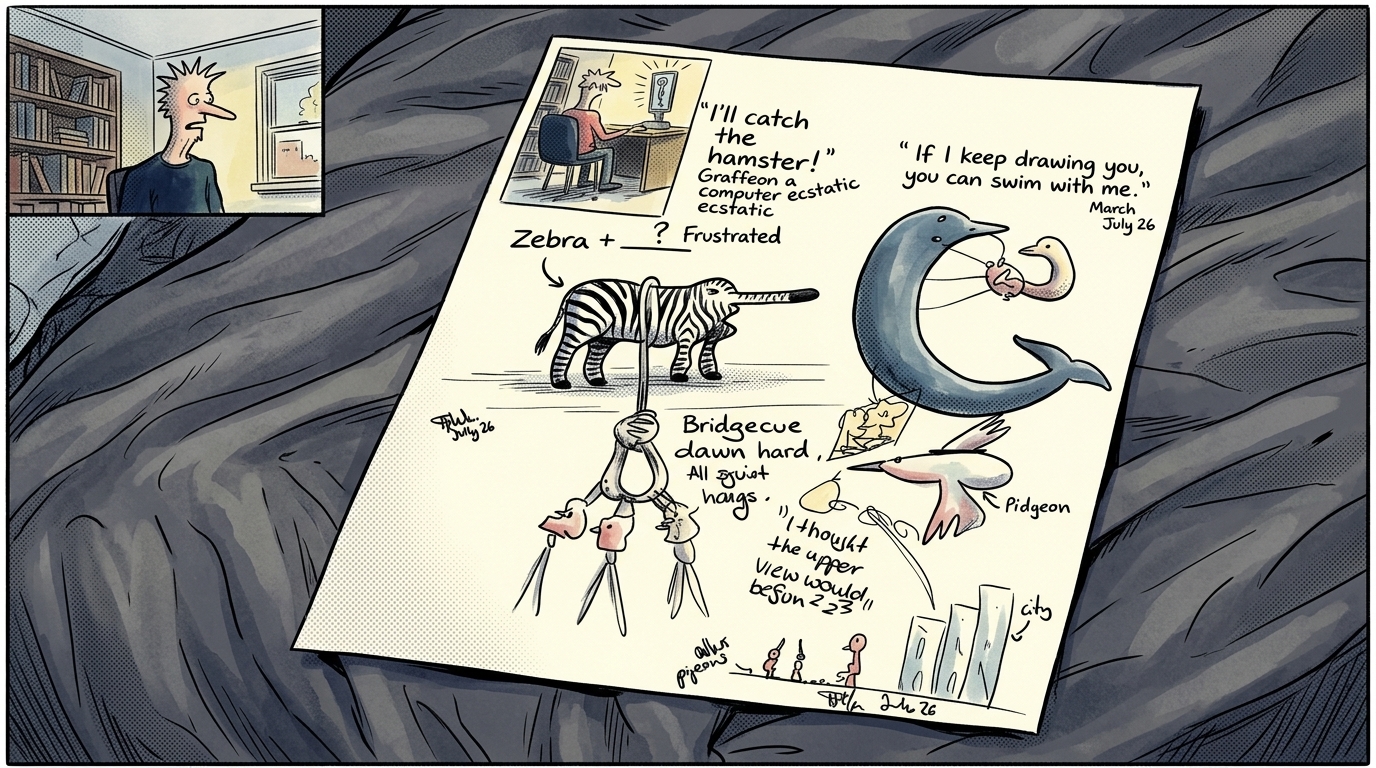
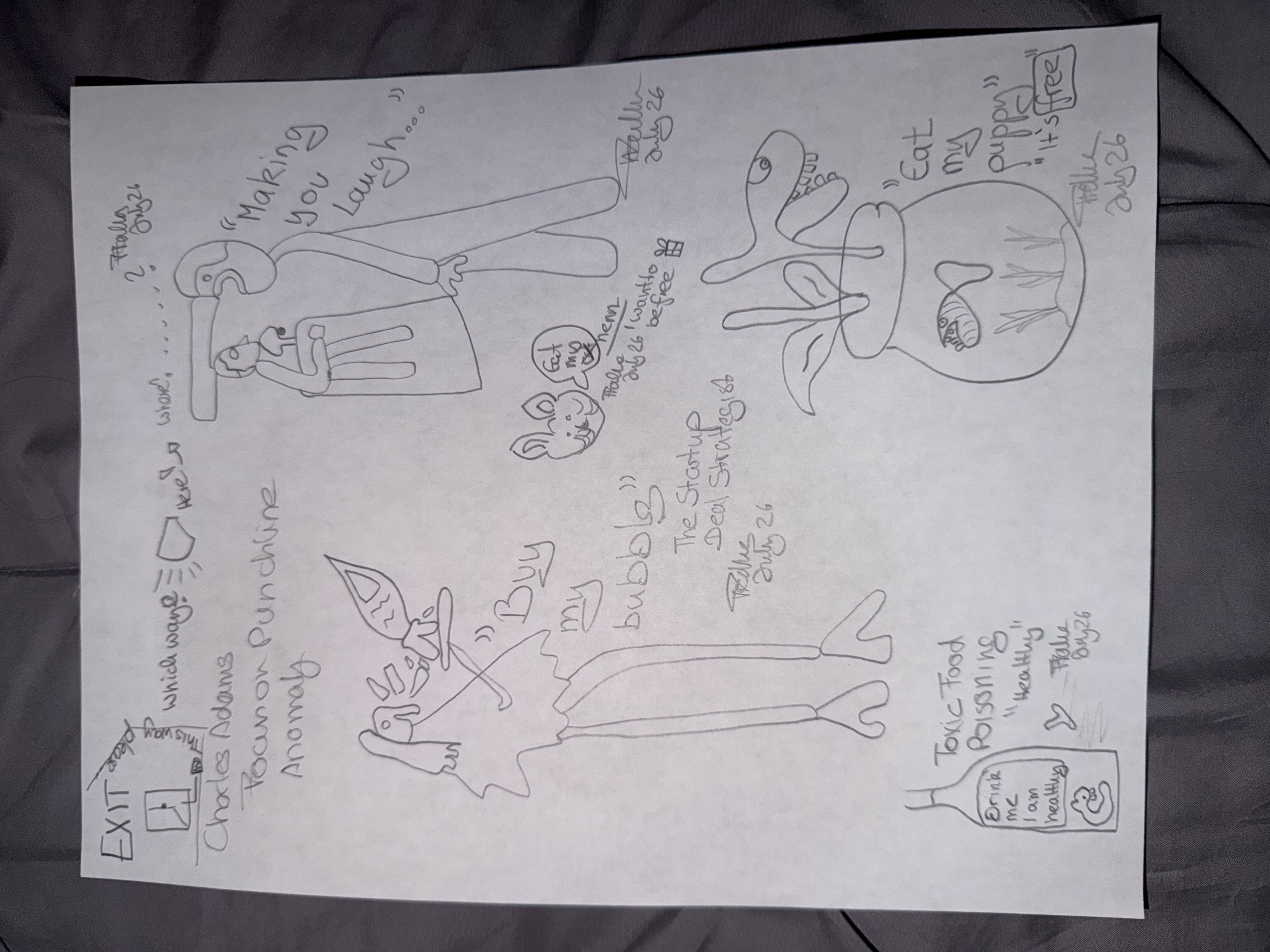
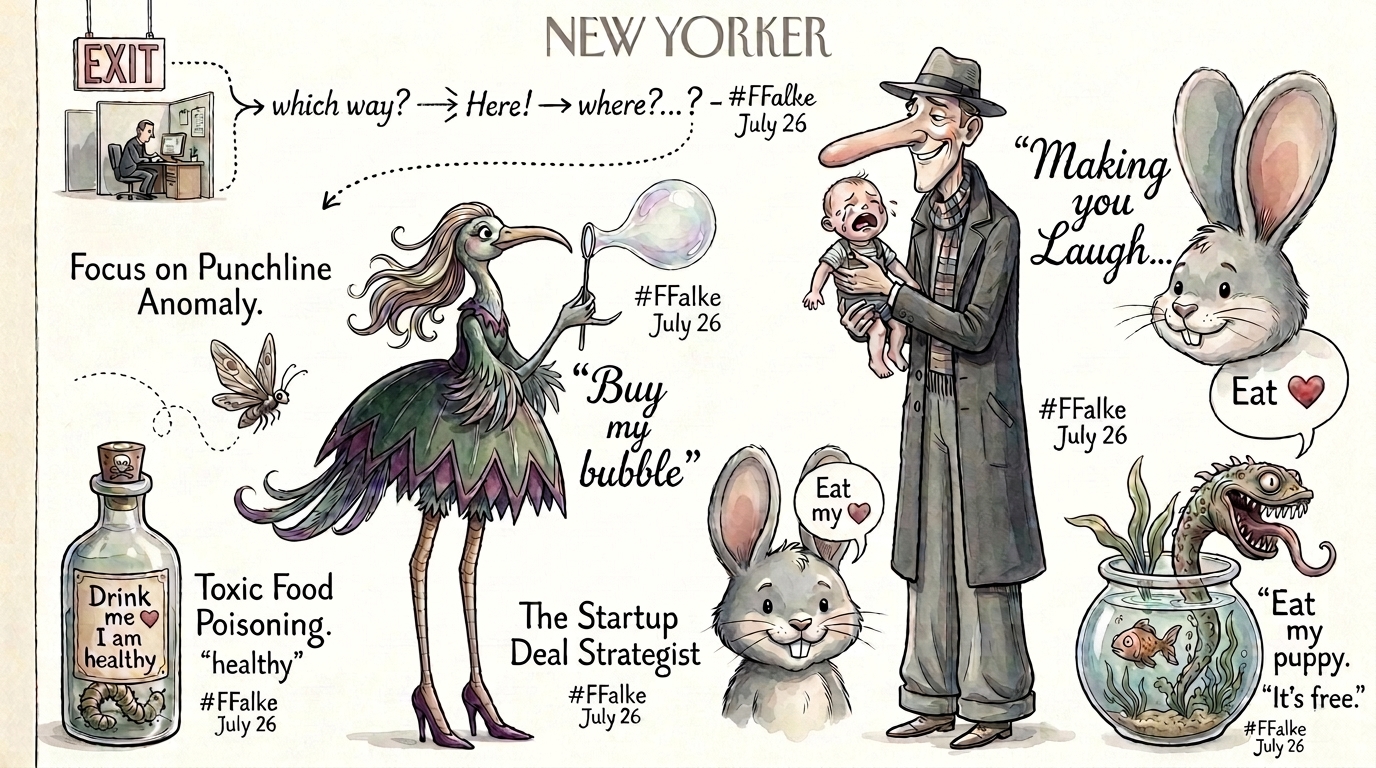
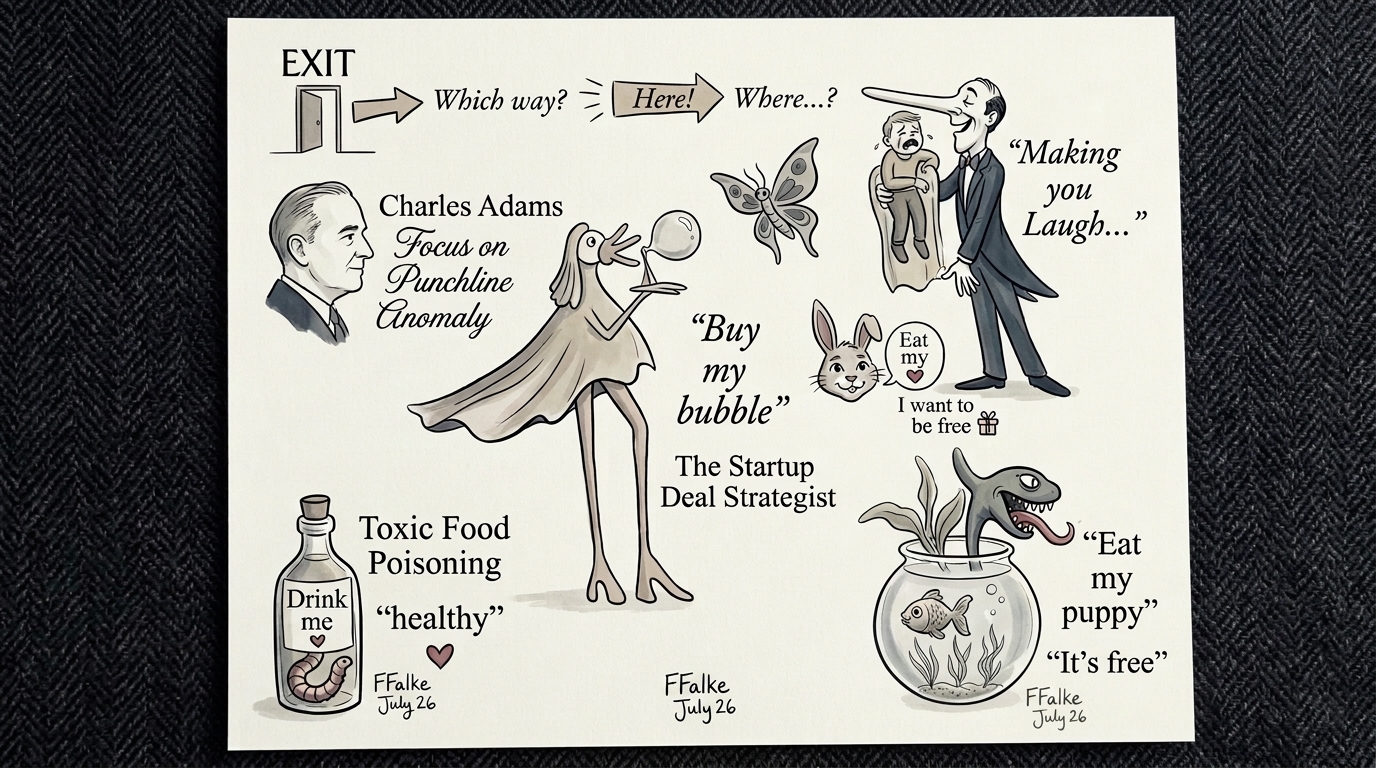
I encourage you to play around with it. I did hand-draw various other at times almost for my eyes difficult to track what I drew in the first place. But even those images turned out to be rather fascinating art pieces when put into AI.
Here are some more examples:
Love that? Then sign up for more builds with AI. And occasional events to build them together.
Frederike's Letters
Sharing insights on AI, creativity and the human mind. Leave your email and I'll send you my letters.